
Select the model you want to generate your image with.
Free AI Crown Photo Generator for Royal, Floral, and Creative Crown Styles
Add crown to photo with Bylo.ai, from royal crowns and flower crowns to fantasy, gothic, and custom headpiece styles.
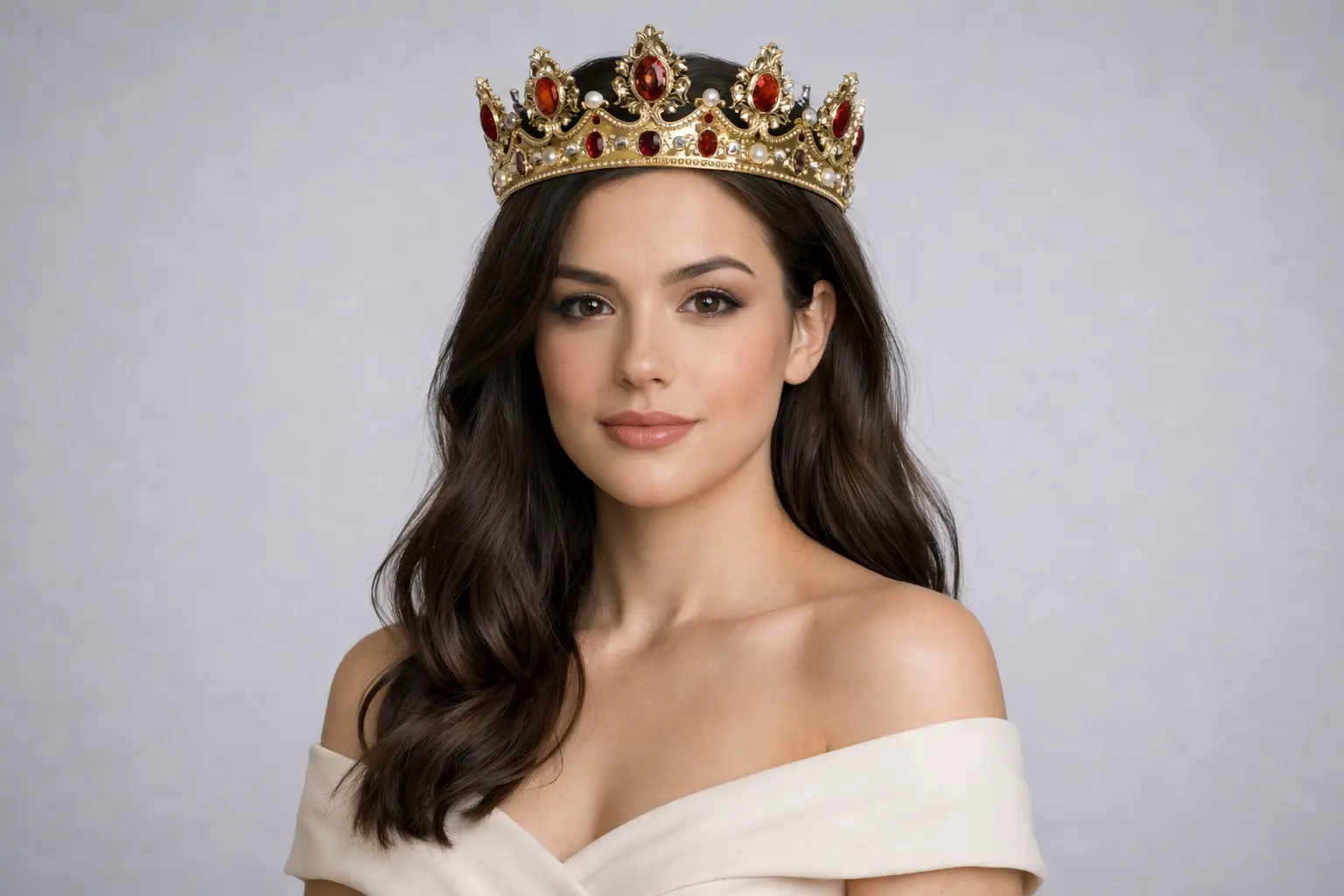
Your Generated Images
How to Add a Crown to Your Photo Free With Bylo AI Crown Photo Generator
Follow these simple steps to get started with our platform.
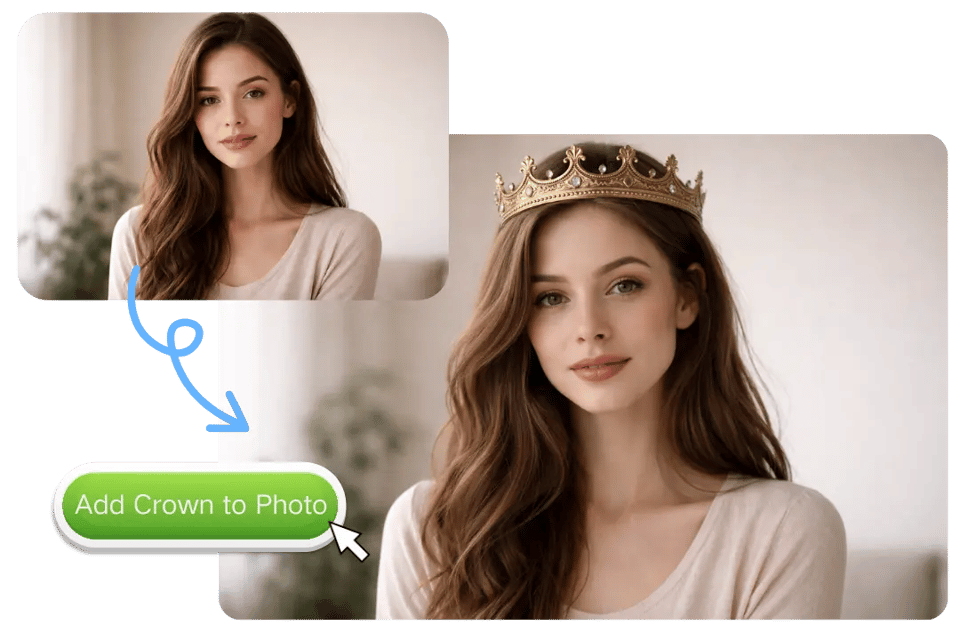
Upload Your Portrait to Bylo.ai
Start by uploading a clear portrait, selfie, or styled photo to Bylo.ai. A photo with a visible face and head area usually works best, especially if you want the crown to feel more naturally placed. Whether you plan to add a royal crown, a fantasy headpiece, or add flower crown to photo, a clean starting image helps Bylo.ai generate a more polished result.
Describe the Crown You Want to Add
Enter a prompt that explains the crown style you want to create. You can describe the shape, material, colors, decorations, and overall mood, such as a jeweled gold crown, a pearl tiara, a dark gothic crown, or a soft floral wreath. This makes it easier to use Bylo.ai’s free AI Crown Photo Generator to add crown to photo in a way that matches your exact creative idea.
Generate and Download Your Crown Photo
Click generate and let Bylo.ai transform your image into a more styled portrait with the crown effect you described. In just a short time, you can preview the result, try new prompt variations, and download the version that fits your look best. This simple workflow makes Bylo.ai an easy way to create AI Crown Photo Generator edits for social media, creative portraits, themed images, and more.
Key Features of Bylo AI Crown Photo Generator
Free AI Crown Photo Generator for More Creative Crown Styles
Bylo.ai offers a free AI Crown Photo Generator experience that makes it easier to explore far more than traditional royal crown edits. Users can create gold crowns, crystal tiaras, fantasy headpieces, gothic crowns, pearl crowns, floral designs, and other custom looks from a single image and prompt. This gives Bylo.ai stronger creative flexibility for anyone who wants an AI Crown Photo Generator that feels broader, more stylish, and more adaptable to different portrait ideas.
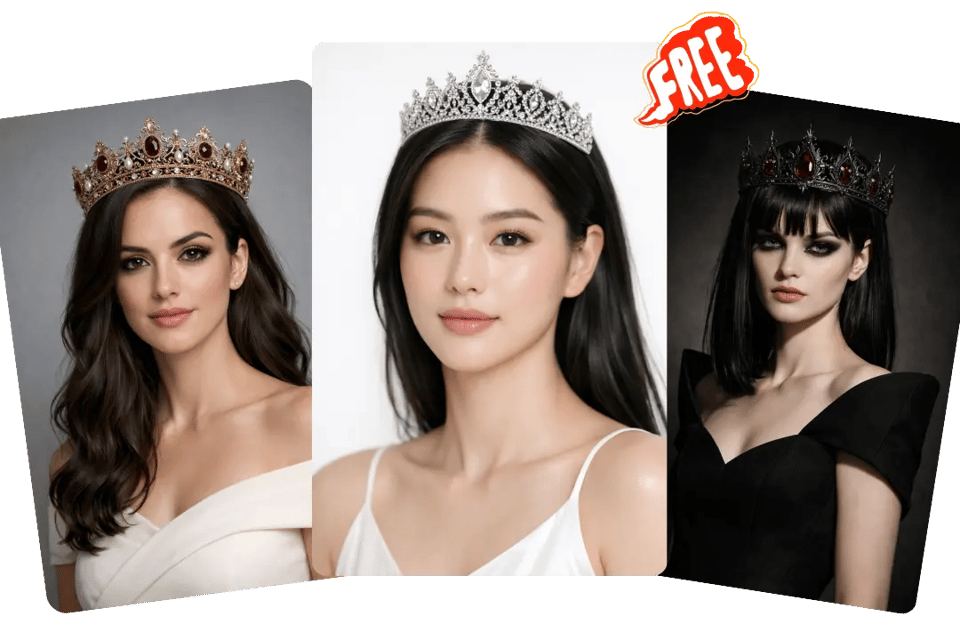
Add Crown to Photo in One Click for Faster Portrait Styling
Bylo.ai helps users add crown to photo with a much simpler process, making quick portrait transformation more accessible even for users without editing experience. With one-click generation and prompt-based control, Bylo.ai makes it easier to turn an ordinary selfie or portrait into something more regal, decorative, or visually dramatic. This is especially useful for social media content, themed portraits, and fast creative experiments.
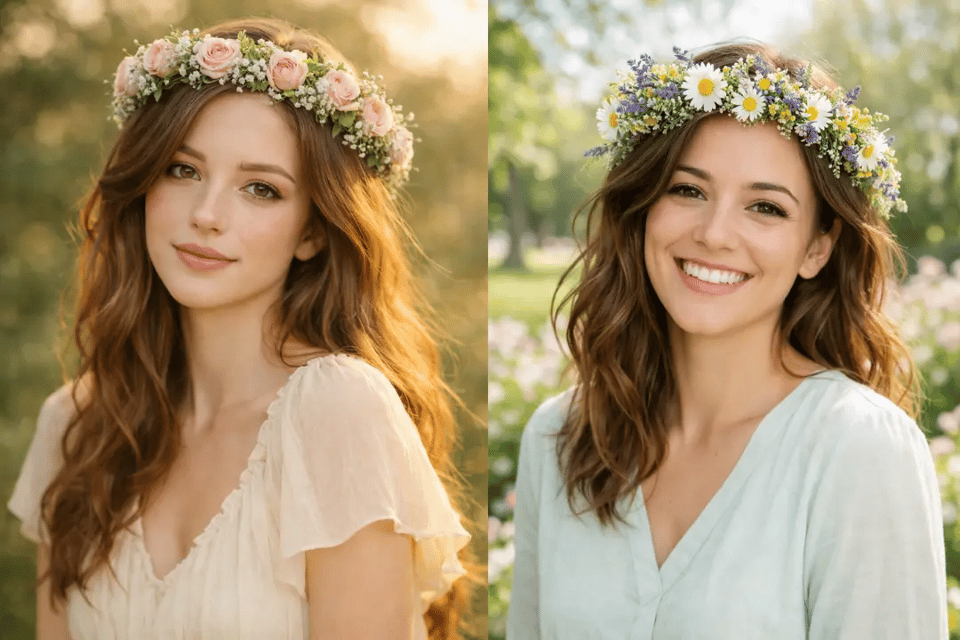
Add Flower Crown to Photo for Softer Romantic and Seasonal Looks
Bylo.ai makes it easy to add flower crown to photo for users who want a gentler and more decorative style. From rose crowns and wildflower wreaths to bridal floral headpieces and spring-inspired crown designs, Bylo.ai supports a wide range of floral directions that work well for romantic portraits, festival edits, outdoor photography, and dreamy profile images. This makes the tool a strong option for users searching specifically for ways to add flower crown to photo with more visual variety.
AI Crown Photo Generator for Pets, Wildlife, and Creative Portraits
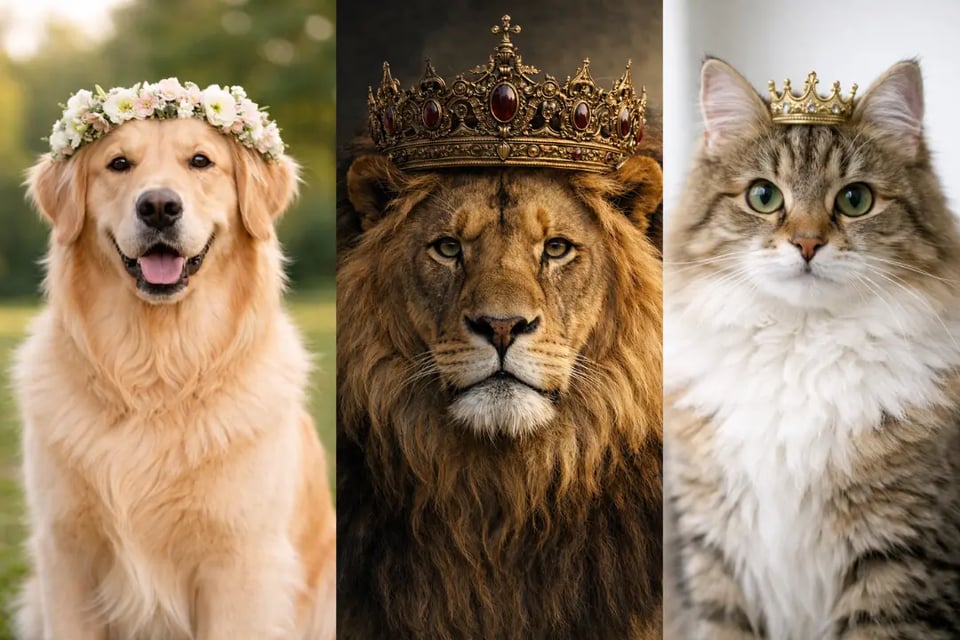
Bylo.ai is not limited to standard human portraits. Users can also create crowned animal images, whether the goal is a playful pet portrait, a fantasy wildlife concept, or a humorous social post with a regal visual twist. Bylo.ai makes it possible to place elegant, floral, or dramatic crown styles onto dogs, cats, birds, lions, and other subjects, giving our AI Crown Photo Generator a wider creative range beyond typical selfie edits.
Popular Crown Photo Styles You Can Create with Bylo.ai
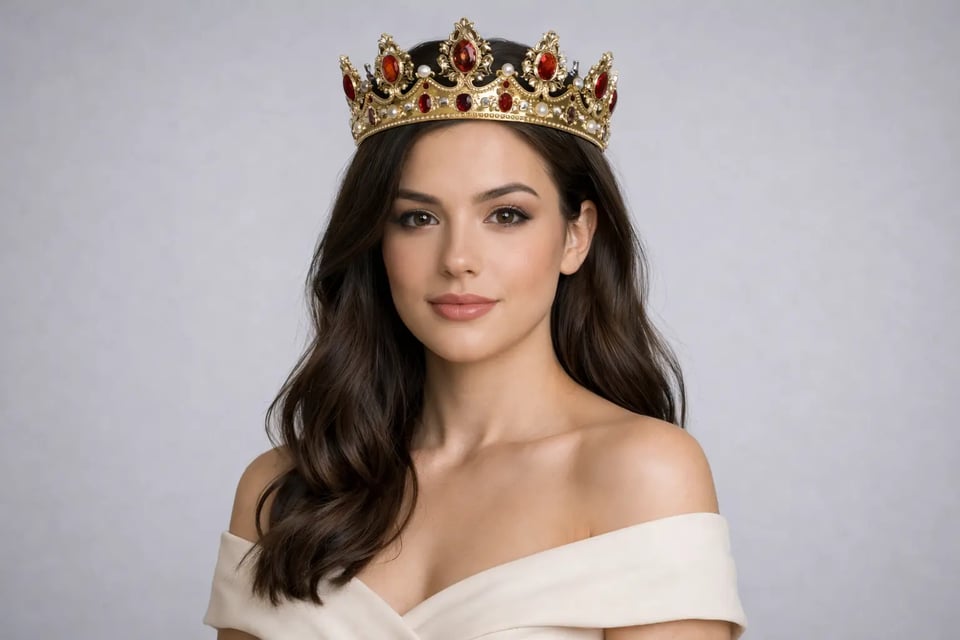
Add a Royal Crown to Portrait Photos
Bylo.ai can turn a simple portrait into a more regal image by adding an ornate royal crown with gold details, gemstones, and a polished ceremonial look. This style works well for queen-inspired edits, king portraits, birthday images, luxury-themed content, and dramatic social media photos that need a stronger visual presence.
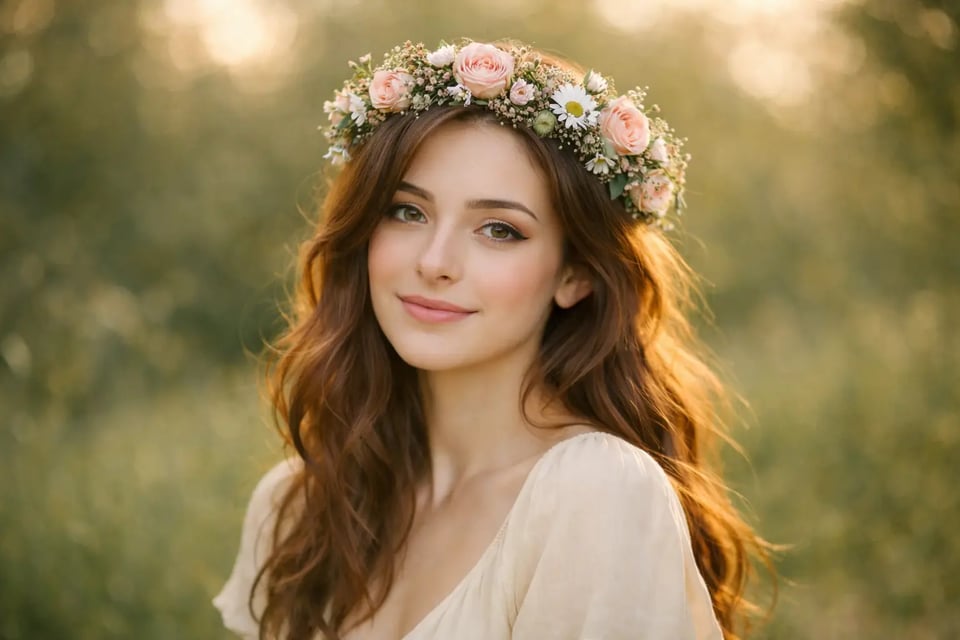
Add a Flower Crown to Photo for Soft Romantic Looks
Bylo.ai also makes it easy to add flower crown to photo with roses, daisies, wildflowers, or seasonal floral details for a softer and more decorative result. This look fits spring portraits, bridal concepts, festival styling, outdoor photography, and dreamy beauty images with a lighter and more natural mood.
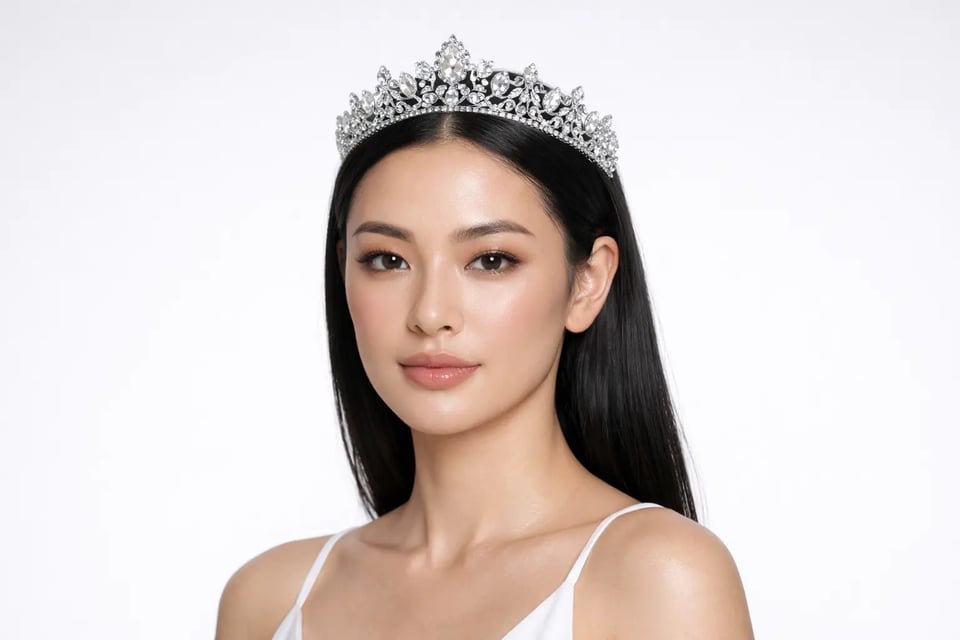
Add a Crystal Tiara to Beauty Photos
For a cleaner and more elegant style, Bylo.ai can add a crystal tiara to beauty photos with sparkling stones, delicate metallic structure, and a refined high-end finish. This direction is especially suitable for polished headshots, fashion-inspired portraits, formal profile pictures, and glam edits that need a graceful crown effect.
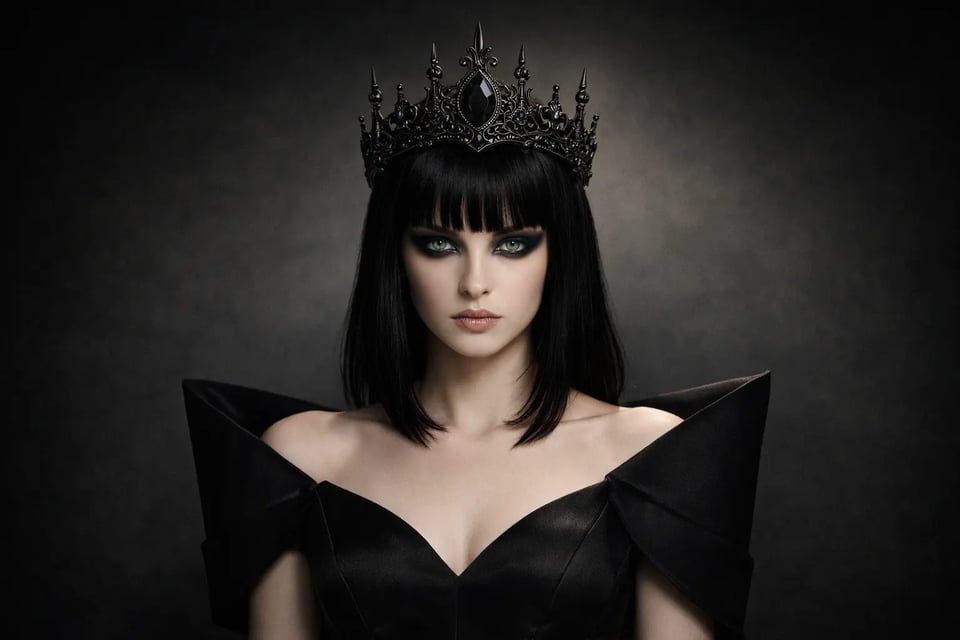
Add a Gothic Crown to Dark Fashion Portraits
Bylo.ai can create a more dramatic image by adding a gothic crown with black metal, dark gemstones, and bold decorative details. The result feels sharper and more stylized, making it a strong choice for fantasy portraits, moody editorial looks, character-inspired visuals, and darker aesthetic content.
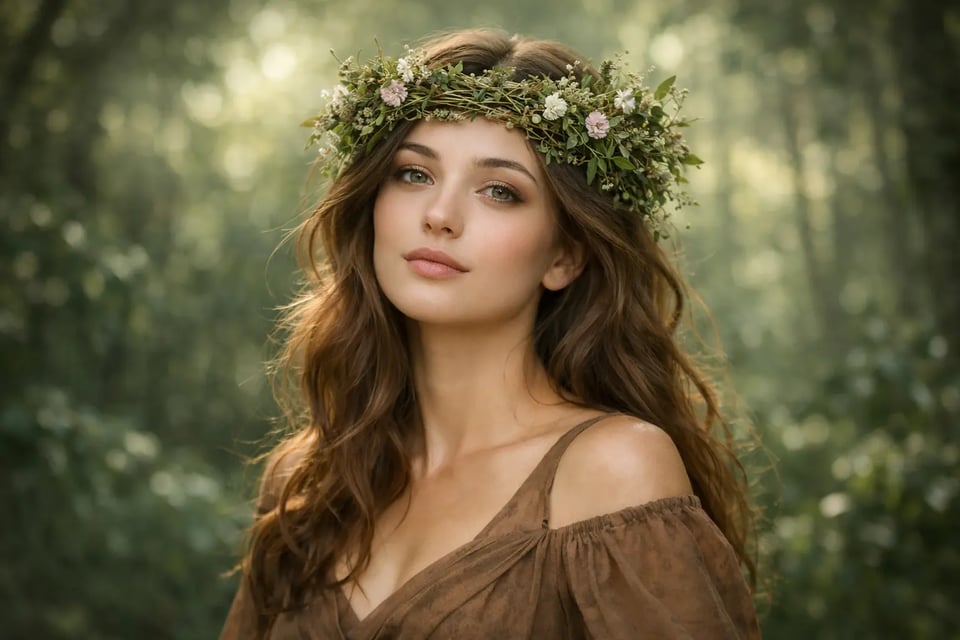
Add a Leaf or Nature Crown to Fantasy Photos
For a more organic fantasy style, Bylo.ai can add a leaf crown to photos using vines, green foliage, woodland textures, and subtle floral accents. This kind of crown effect gives the image a magical and nature-inspired feel that works well for fairy portraits, forest themes, creative character edits, and imaginative photography.
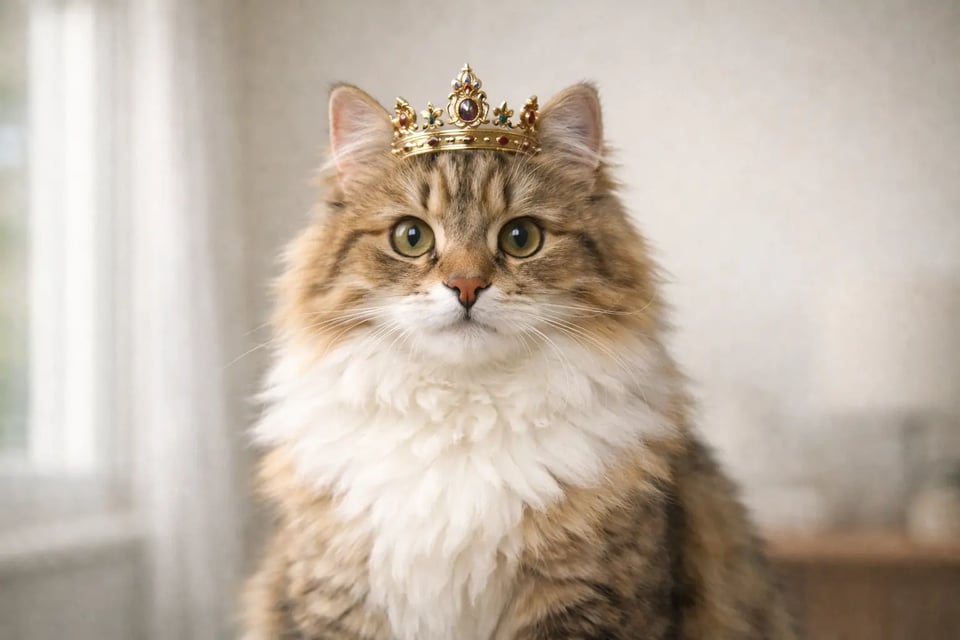
Add Crown Styles to Pet and Animal Photos
Bylo.ai is not limited to human portraits. Users can also add crown styles to pet and animal photos, whether that means a tiny royal crown on a cat, a floral headpiece on a dog, or a dramatic fantasy crown on a lion. This makes the AI Crown Photo Generator more versatile for playful content, themed edits, and visually memorable animal portraits.
Creative Ways to Use Bylo AI Crown Photo Generator
Social Media Portraits with a More Eye-Catching Crown Look
Bylo.ai’s AI Crown Photo Generator works well for users who want to make selfies, profile pictures, and social media portraits look more distinctive. Whether the goal is to add crown to photo for a regal aesthetic, a playful queen-inspired post, or a more stylized personal image, crown effects can help ordinary portraits feel more polished and visually memorable across platforms.
Romantic and Seasonal Photos with Floral Crown Styling
For users who want softer and more decorative edits, Bylo.ai makes it easy to add flower crown to photo for spring portraits, bridal concepts, festival looks, and outdoor photography. Floral crown styles help create a lighter and more romantic mood, making them a good fit for lifestyle content, couple photos, beauty portraits, and seasonal visual themes.
Fantasy, Cosplay, and Character-Inspired Portrait Design
Bylo.ai is also useful for users creating fantasy portraits, cosplay visuals, or character-inspired images that need a stronger headpiece element. Instead of being limited to standard royal crowns, the AI Crown Photo Generator can support more imaginative looks such as gothic crowns, crystal tiaras, leaf crowns, and other stylized crown designs that make the final image feel more expressive and story-driven.
Pet and Animal Photos with Playful or Regal Crown Effects
Bylo.ai can do more than enhance individual portraits or create charming animal edits. After making playful pet images with tools like AI Group Photo Generator , users can also use AI Group Photo Generator to place people and pets together in one frame, creating warmer pet-and-owner portraits, imaginative animal group scenes, or more expressive visual content. This gives the platform broader creative appeal for gifting, sharing, and fun image experimentation.